An AI call agent is useful when a phone call has a clear goal, a narrow script, and a low-risk outcome. It is not a magic replacement for every customer conversation. The best first use cases are routine calls: confirm a reservation, ask whether an item is in stock, check a delivery window, schedule an appointment, request a callback, verify business hours, or collect a simple status update.
The safest way to set up AI call agents for business is to start with constrained workflows, define exactly what the agent may and may not say, connect the right phone tools, and keep human review for sensitive decisions.
Localcall is built for this practical layer. You can use AI phone agents, international calls, live translation calls, and calling tools such as the phone validator, cost calculator, and best-time planner in one workflow.
This guide shows how to set up AI call agents without creating operational risk.
The direct answer
Use an AI call agent when the call can be described in one sentence:
"Call this restaurant and book a table for four tonight at 7:30, or ask for the nearest available time."
"Call this supplier and ask whether order 4812 will ship today."
"Call this clinic and ask for the earliest non-urgent appointment next week."
"Call this hotel and confirm late check-in instructions for reservation 76421."
"Call this local office and ask which documents are required before visiting."
Do not use an AI call agent when the call requires judgment, persuasion, negotiation, identity recovery, emergency action, medical advice, legal advice, payment authorization, or sensitive disclosure.
The setup principle is simple: automate phone errands, not accountability.
Step 1: Choose the first use case
Pick one call type before you build anything. A broad instruction like "handle customer calls" is too vague. A narrow instruction like "call hotels to confirm late check-in instructions" can be tested, measured, and improved.
Good first use cases:
- Restaurant reservations.
- Hotel late check-in confirmation.
- Appointment availability checks.
- Delivery or order status calls.
- Store inventory checks.
- Business-hours confirmation.
- Callback request collection.
- Support ticket status checks.
- Simple customer follow-up.
- Field-service arrival-window confirmation.
Risky first use cases:
- Medical triage.
- Emergency response.
- Legal intake.
- Debt collection.
- Insurance decisions.
- Bank account recovery.
- Immigration advice.
- Contract negotiation.
- Any call involving one-time passwords or payment credentials.
If the call has a reversible outcome, an agent may be a good fit. If the call can harm a person when wrong, keep a human in the loop.
Step 2: Write the call goal as a decision tree
Do not write a long monologue. Write a decision tree.
For a restaurant reservation:
Goal: reserve a table for four.
Inputs:
- Restaurant phone number.
- Party size.
- Preferred date.
- Preferred time.
- Backup time window.
- Name for reservation.
- Callback number or email if needed.
Agent flow:
- Greet the business.
- State the request.
- Ask for the preferred time.
- If unavailable, ask for the closest available time.
- Confirm the final date, time, party size, and name.
- Ask whether there is a deposit, dress code, time limit, or cancellation rule.
- End politely.
- Return a concise result to the human.
Failure handling:
- If no one answers, mark no answer and suggest a later call.
- If voicemail answers, leave a short callback message only if allowed.
- If the business asks for payment details, stop and hand off.
- If the business asks for sensitive personal information, stop and hand off.
That is enough for a first agent. The agent does not need to be clever. It needs to be bounded.
Step 3: Prepare clean call data
AI agents fail when the input is messy. Before starting the call, prepare the details a human would want:
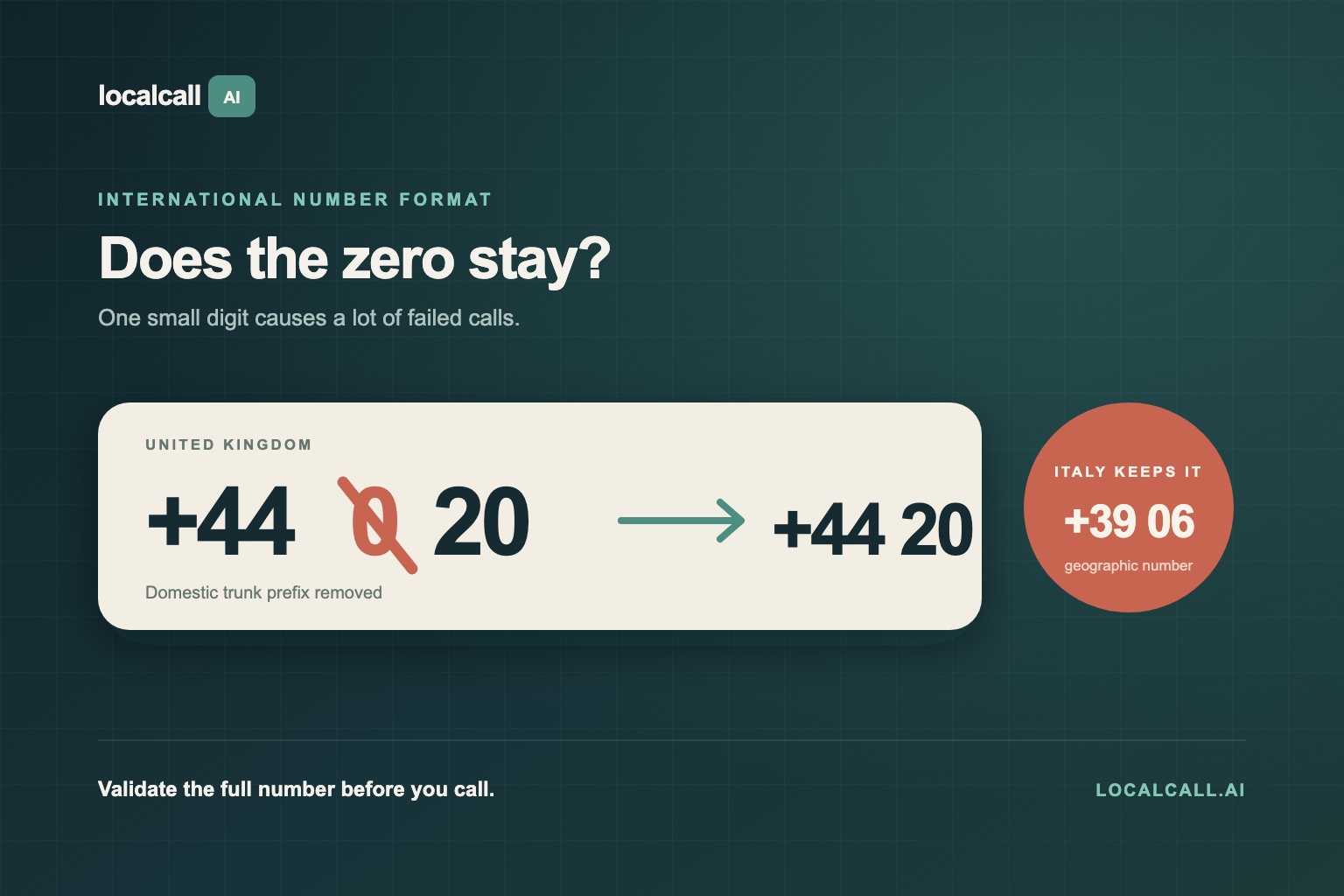
- Full international phone number.
- Destination country.
- Local time window.
- Business name.
- Contact or department if known.
- Order, booking, ticket, or account reference.
- Names spelled clearly.
- Preferred outcome.
- Acceptable backup outcomes.
- Stop conditions.
- Whether voicemail is allowed.
- Whether live translation is needed.
Use the phone validator to check formatting. Use the best-time planner for destination business hours. Use the cost calculator if the call may take more than a few minutes.
For international calling, also check the relevant rate or dialing page. For example:
Step 4: Decide when to use live translation
AI agents and live translation solve different problems.
Use an AI agent when the problem is repetition:
- "Call ten stores and ask if they have this item."
- "Confirm tomorrow's appointment."
- "Ask whether the shipment is ready."
Use live translation when the problem is language:
- "Call this hotel in Spanish."
- "Call this local office in Italian."
- "Call a family member who speaks Tagalog."
Use both when the call is routine and cross-language:
- "Call the restaurant in Mexico City, ask in Spanish whether they have a table for four at 7:30, and confirm the reservation details."
The agent should announce the translation politely when appropriate:
"Hello. I am calling on behalf of a customer and using live translation, so there may be a short pause after each sentence."
Then it should keep sentences short.
Step 5: Write guardrails
Guardrails are not optional. They are the difference between a useful agent and an operational liability.
Minimum guardrails:
- The agent may not provide legal, medical, financial, or emergency advice.
- The agent may not share passwords, one-time codes, full card numbers, or sensitive documents.
- The agent may not agree to charges, contracts, refunds, cancellations, or penalties unless explicitly authorized.
- The agent may not impersonate a licensed professional.
- The agent must identify itself or its role truthfully when asked.
- The agent must stop and hand off when the call leaves the approved task.
- The agent must summarize uncertainty instead of inventing missing details.
Example stop line:
"I am not authorized to make that decision. I will ask a person from our team to follow up."
Example handoff summary:
"The business asked for card details to hold the booking. I stopped the call. They can hold the slot until 5 PM if a human calls back."
Step 6: Build the script
A good AI call script is short, specific, and easy to recover from.
Use this structure:
Opening:
"Hello. I am calling on behalf of [name/company]. I need help with [one task]."
Task:
"We would like to [book/check/confirm/ask] [specific thing]."
Details:
"The reference number is [reference]. The preferred time is [time]. The backup time is [backup]."
Confirmation:
"Please confirm the date, time, name, address, price, and any requirement."
Fallback:
"If that is not possible, what is the closest available option?"
Close:
"Thank you. I will pass this information back."
Do not give the agent five competing goals. One call, one job.
Step 7: Test with low-risk calls
Run a small test batch before turning the agent loose on customers.
Good test calls:
- Call a business and ask for opening hours.
- Call a restaurant and ask whether reservations are required.
- Call a store and ask whether an item is in stock.
- Call a hotel and ask whether late check-in is possible.
- Call your own test number and verify transcript quality.
Check:
- Did the call connect?
- Did the agent state the goal quickly?
- Did the agent handle interruptions?
- Did it confirm details before ending?
- Did it stop when asked for information outside scope?
- Was the summary accurate?
- Was the cost acceptable?
- Did translation introduce delays or misunderstandings?
The first success metric is not "the agent sounded human." It is "the agent completed the task accurately and stayed inside policy."
Step 8: Route results into the business workflow
An AI call agent is only useful if the result goes somewhere.
For customer support, route the call summary to the ticket. See Localcall customer support solutions.
For reservations, update the booking record.
For field service, attach the arrival window to the job.
For sales, log the call outcome and next action.
For operations, mark the supplier, shipment, or store status.
Use a simple result format:
- Outcome: completed, failed, needs human, no answer, voicemail, wrong number.
- Confirmed details: date, time, address, price, reference, contact name.
- Follow-up required: yes or no.
- Reason for follow-up.
- Transcript or notes.
- Cost and duration.
Step 9: Measure the right things
Do not measure only call volume. A bad agent can make many bad calls.
Measure:
- Completed task rate.
- Human handoff rate.
- No-answer rate.
- Wrong-number rate.
- Average cost per completed task.
- Average duration.
- Repeat-contact reduction.
- Transcript accuracy review score.
- Percentage of calls that stayed within approved scripts.
- Customer or staff correction rate.
Review failures weekly. Most improvements come from better inputs, narrower scripts, and clearer stop conditions.
Setup examples by business type
Restaurants and hospitality
Use AI agents to confirm reservations, check availability, ask about late check-in, verify pet policies, or confirm airport shuttle times.
Human handoff triggers:
- Payment or deposit required.
- Cancellation fee.
- Complaint or service recovery.
- Accessibility request that needs judgment.
Customer support
Use AI agents to check order status, request a callback, verify business hours, or collect a case reference.
Human handoff triggers:
- Refund decision.
- Account access issue.
- Security verification.
- Angry or vulnerable customer.
Appointments
Use AI agents to ask for available times, confirm documents needed, and collect address or parking details.
Human handoff triggers:
- Medical advice.
- Insurance commitment.
- Legal or financial consultation.
- Identity verification.
Field services
Use AI agents to confirm arrival windows, access instructions, parking rules, and contact names.
Human handoff triggers:
- Safety concerns.
- Changed scope.
- Quote approval.
- Customer dispute.
International operations
Use AI agents with live translation to call local suppliers, hotels, stores, and offices. Keep the script simple and use the destination language when possible.
Human handoff triggers:
- Contract terms.
- Payment details.
- Customs or legal requirements.
- Anything with high financial impact.
Product-fit section: when Localcall is the right setup
Use Localcall when your team needs phone-number reach, AI help, and international flexibility in the same place.
Localcall fits:
- A support team that occasionally needs to call customers or vendors abroad.
- A travel company confirming local bookings across languages.
- An ecommerce operator checking delivery or supplier status.
- A recruiter scheduling calls with candidates in other countries.
- A real estate team confirming viewings, access, or maintenance.
- A field-service team calling local contacts before dispatch.
Start with the AI phone agent, then add live translation calls when the language barrier matters. Use international calling for direct human calls and the best-time planner when destination hours matter.
Final CTA
The best AI call-agent setup is not the broadest one. It is the clearest one.
Choose one routine call type, write the decision tree, validate the phone number, set stop conditions, run a small test batch, and review every failure. Once the agent can complete a narrow task accurately, expand to the next task.
Start with Localcall AI phone agents. For multilingual calls, add live translation. For support workflows, review customer support solutions. Before any international call, use the phone validator, cost calculator, and best-time planner.