Yes—you can call without a SIM card if your device has internet access and you use a service that can connect to the phone network. To reach an ordinary landline or mobile number without making the recipient install anything, use browser-to-phone calling; app-to-app calls only work when both sides use the same app, while carrier Wi-Fi Calling still depends on a supported carrier line.
That distinction matters when your SIM is damaged, inactive, missing, or replaced by a data-only travel eSIM. “Calling over Wi-Fi” can describe several different systems, and only some of them reach a regular phone number.
No physical SIM is not the same as no carrier service
There are two common meanings behind “call without a SIM card”:
- No physical SIM: Your phone may use an eSIM instead. You still have a carrier profile and possibly a voice plan; the SIM has simply moved from a removable card to embedded hardware.
- No active carrier service: The device has no working voice line at all. It may be a Wi-Fi-only tablet, an old phone, a phone between plans, or a device using a data-only eSIM.
Carrier Wi-Fi Calling can help with weak cellular coverage, but it is still a carrier feature tied to a supported line. Browser calling and app-to-app calling use an internet connection independently of the phone's normal dialer. The important question is therefore not merely “Does it use Wi-Fi?” but “Can it reach a regular number, and what does the recipient need?”
Compare ways to call without a physical SIM
| Method | Active carrier line required? | Reaches regular phone numbers? | Recipient needs the same app? | Main limitation |
|---|---|---|---|---|
| Browser-to-phone calling | No | Yes, for eligible destinations and numbers | No | Requires internet, credit, microphone access, and destination support |
| App-to-app calling | No | Usually no | Yes | Both people need accounts, internet, and the same compatible service |
| Carrier Wi-Fi Calling | Yes, in normal use | Yes | No | Depends on carrier, device, account, line setup, and supported Wi-Fi |
| eSIM with a voice plan | Yes—the eSIM is the carrier profile | Yes | No | Requires an activated compatible carrier plan |
| Data-only eSIM plus browser calling | No voice line required | Yes, through the browser service | No | Uses data and still requires destination support and calling credit |
If all you have is a hotel, airline, clinic, office, family landline, or mobile number, focus on the “reaches regular phone numbers” column. A service that only calls other users cannot universally reach those endpoints.
The direct option: browser-to-phone calling over Wi-Fi
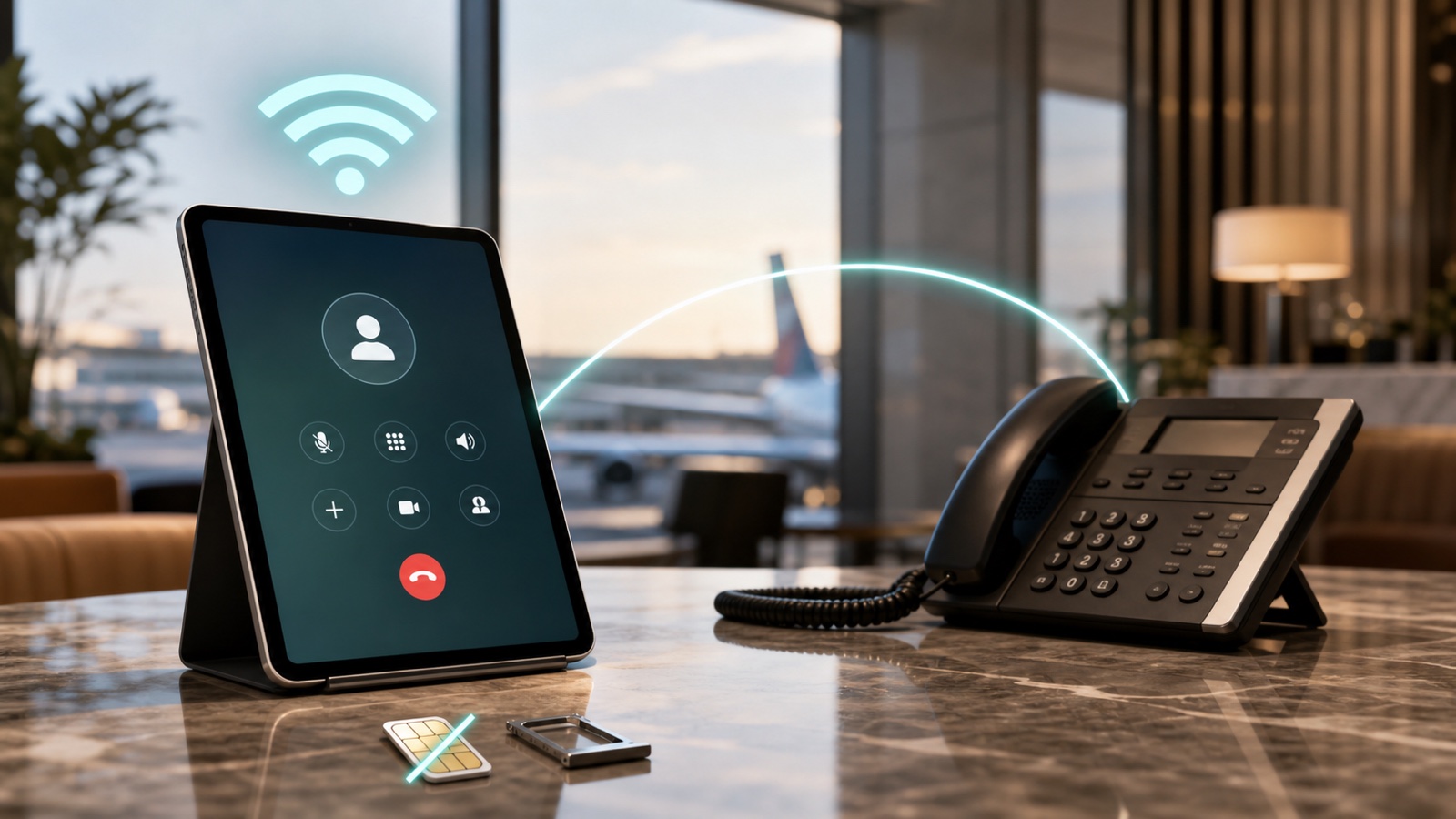
A browser calling service bridges your internet connection to the public phone network. Your device does not need a physical SIM or an active mobile voice plan. The recipient receives an ordinary phone call and does not need Localcall, a smartphone, or internet access.
Localcall's international calling service is outbound-only and can call eligible landline and mobile numbers from a supported browser. It is useful when you need to make phone calls without service on the device itself, including international calls without a SIM card.
How to place the call
- Connect to reliable Wi-Fi or data. A stable connection matters more than whether the device has a SIM slot.
- Open the browser dialer. Sign in on the phone, tablet, or computer you want to use.
- Enter the full international number. Start with the plus sign, country code, area or mobile code, and subscriber number.
- Validate the number. Use the phone number validator to catch formatting mistakes and confirm the detected country and line type.
- Check the rate. Review the displayed per-minute price or estimate a longer conversation with the international call cost calculator.
- Allow microphone access. Select the correct microphone and speaker when the browser asks. The browser microphone test can identify permission or input problems before an important call.
- Place the call. The other person answers on their regular phone. Use the on-screen keypad if an automated menu asks for an extension or selection.
If the conversation crosses a language barrier, configure live translation for phone calls before dialing. Translation changes the call mode, not the recipient requirement: the other person still answers a regular call.
For a deeper device, headset, and browser setup walkthrough, use the separate guide to making a phone call from your computer. This guide stays focused on SIM status and the type of connection reaching the recipient.
When app-to-app calls are enough
Messaging and meeting apps can carry voice over Wi-Fi without a carrier plan. They are often the simplest choice when both people already use the same platform, both have internet access, and an account-to-account call is acceptable.
They are not a universal way to call a phone number. A landline cannot install an app. A hotel's published front-desk number is not automatically an account inside your messaging service. A relative with a basic mobile phone may have no compatible data plan. Some apps offer paid phone-network calling in certain markets, but that is a separate browser-to-phone or app-to-phone feature with its own coverage and rates.
Use app-to-app calling for a known contact on the same service. Use browser-to-phone calling when the only reliable identifier you have is an ordinary phone number.
Does carrier Wi-Fi Calling work without a SIM card?
Usually, the useful answer is not without a supported carrier line. Wi-Fi Calling moves a carrier voice call over Wi-Fi when cellular coverage is weak or unavailable; it does not normally replace the carrier account behind the number.
Apple's current Wi-Fi Calling instructions tell iPhone users to choose the cellular line they want to use and note that availability depends on carrier support. Apple also explains that emergency-address setup may be required and that emergency calls may use Wi-Fi Calling when cellular service is unavailable.
Google's Phone app documentation similarly describes using a mobile carrier's Wi-Fi Calling setting, checking carrier support, and selecting the carrier SIM. Google notes that behavior and availability can vary by carrier.
This means a phone with an active physical SIM or eSIM may keep using its carrier number over Wi-Fi in a coverage gap. But removing, disabling, or losing the configured line can stop carrier Wi-Fi Calling from working. Exact behavior varies, so confirm it with your carrier before travel or before relying on it during an outage.
An eSIM is still a SIM
An eSIM solves the “no physical card” problem, not automatically the “no carrier” problem. The GSMA explains eSIM as a way to securely download an operator profile into a device's embedded secure element. The SIM's role in authenticating the device to a network remains; only the delivery method changes.
An eSIM plan may include voice, text, and data, or it may provide data only. A voice-enabled eSIM can support ordinary carrier calls according to the plan. A data-only travel eSIM cannot place a normal carrier voice call merely because mobile data works, but that data connection can carry browser-to-phone or app-to-app calls.
Before buying, compare activation, coverage, voice inclusion, validity, and destination rates in the guide to international SIM and eSIM options. Do not assume the word “eSIM” tells you whether a phone number or voice minutes are included.
What to use in common no-SIM situations
Traveling abroad
Use hotel Wi-Fi, trusted public Wi-Fi, or a travel data plan with browser-to-phone calling when you need to reach an airline, hotel, bank, insurer, or family member at a regular number. Check the local time, validate the international format, and review the rate before connecting. A voice-enabled local eSIM may also work, but compare its activation and calling terms first.
Lost, damaged, or inactive SIM
If the device still works on Wi-Fi, sign in to a browser calling service from it or another trusted device. Do not count on carrier Wi-Fi Calling unless the carrier line remains configured and supported. Contact the carrier separately to protect the lost line, transfer the number, and replace or deactivate the SIM.
An old phone or Wi-Fi-only tablet
Use a modern supported browser, grant microphone permission, and connect a headset if the built-in speaker causes echo. A SIM slot is unnecessary for browser calling. The device still needs current enough software for secure web access and dependable audio permissions.
A data-only travel eSIM
Treat the eSIM as an internet connection. App-to-app calls work when both sides share the app; browser-to-phone calling works when you need a normal landline or mobile. Monitor data allowance and connection quality even though voice minutes are billed separately by the calling service.
A gap between mobile plans
Browser calling can cover outbound calls while you decide on a new carrier, provided you have internet access and calling credit. It does not replace incoming mobile service, SMS verification, voicemail, number ownership, or emergency calling. Keep those needs separate when comparing temporary options.
Limits to know before you rely on internet calling
Localcall is an outbound-only service. It does not provide an incoming mobile line or promise that a particular caller ID will appear. It supports eligible regular phone numbers, not every emergency number, short code, premium route, toll-free service, or other special number. Availability and rates can vary by destination and line type.
Internet calling also depends on power, working audio hardware, browser permission, and a stable connection. Captive Wi-Fi portals, corporate firewalls, congested public networks, or aggressive battery settings can interrupt audio. Test the microphone and validate the exact number before a time-sensitive call.
Most importantly, Localcall is not an emergency service. Do not use it to contact police, fire, ambulance, coast guard, or another emergency authority. Emergency-call behavior without a SIM varies by jurisdiction, device, network availability, and carrier support. Use a supported local emergency-calling method and follow official local instructions.
A simple decision rule
Choose browser-to-phone calling when you have internet access and need to reach an ordinary landline or mobile without requiring the recipient to install anything.
Choose app-to-app calling when both people already use the same service and both have internet access.
Choose carrier Wi-Fi Calling when your supported carrier line is active and configured but cellular coverage is weak.
Choose an eSIM voice plan when you want a carrier line without inserting a physical card; choose a data-only eSIM plus browser calling when you need data connectivity and outbound calls to eligible regular numbers.
The label “Wi-Fi call” is not enough. Check the call path, the recipient requirement, and whether an active carrier line is still part of the system.